
Rain Cyber
SUPERADMIN
Oct 17, 2026
In today’s digital world, data is one of the most valuable assets a business owns. From customer information and financial records to inventory details and essential business documents, every piece of data plays an important role in daily operations. But what would happen if all that information suddenly disappeared?
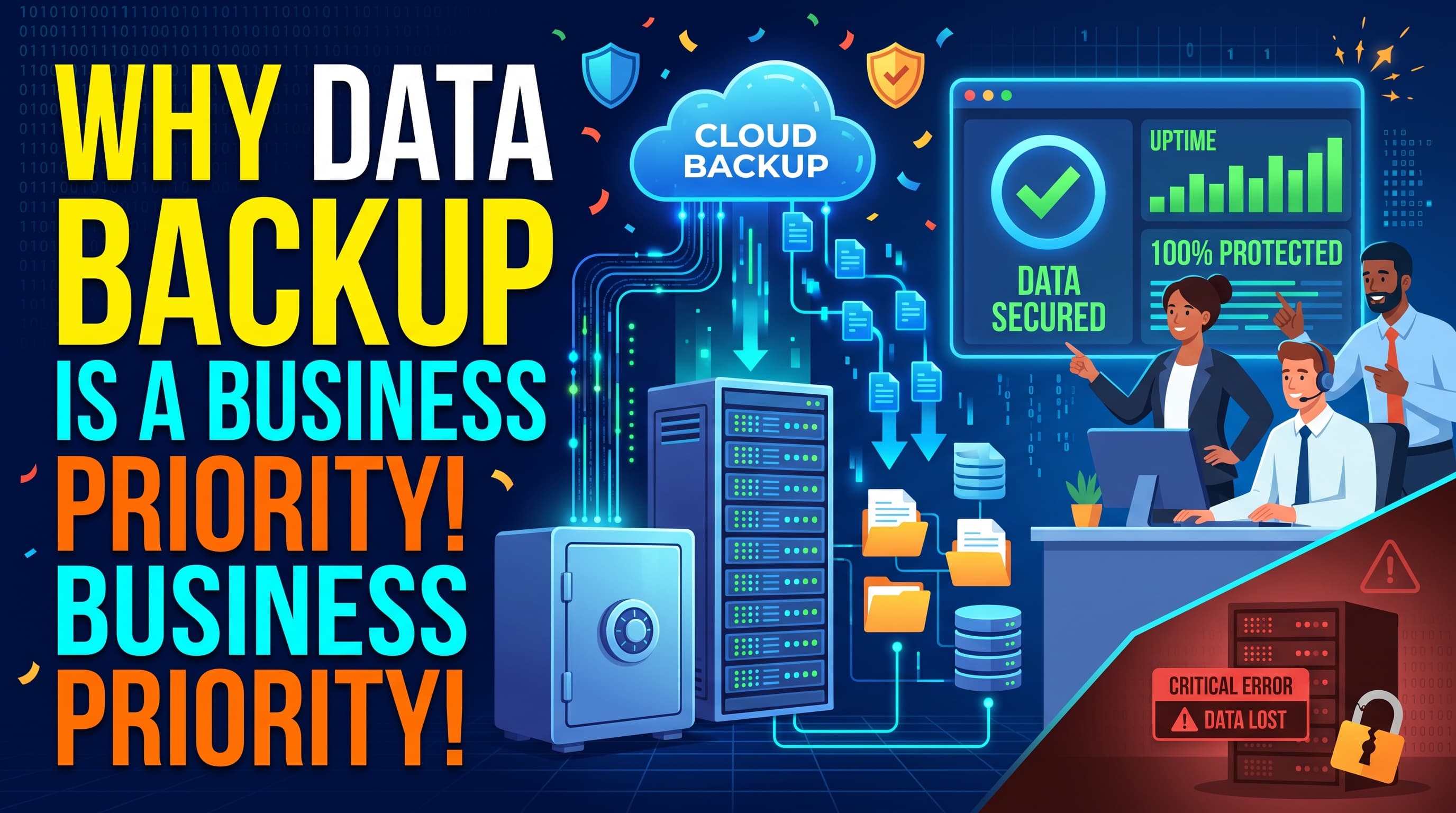
Hardware failure, accidental deletion, cyberattacks, ransomware, and unexpected disasters can cause serious data loss. Without a reliable backup strategy, businesses may face costly downtime, financial losses, and damaged customer trust. That’s why data backup should be a top priority for every business.
At RainCyber, we believe that protecting your business data is essential for maintaining security, ensuring continuity, and supporting long-term growth.
1. Protect Your Business from Unexpected Data Loss
Data loss can happen at any time. A damaged hard drive, a failed server, an employee’s mistake, or a cyberattack can make important information inaccessible.
Regular backups create secure copies of your business data, allowing you to recover critical files when the unexpected happens. Instead of rebuilding everything from scratch, your team can restore essential information and get back to work faster.
2. Strengthen Your Cybersecurity Strategy
Cyber threats are becoming increasingly sophisticated. Ransomware attacks, in particular, can encrypt important business files and prevent organizations from accessing their own information.
While backups alone cannot stop cyberattacks, they can provide a recovery option when files are compromised. Keeping protected, separate, and regularly tested backups can help businesses recover without relying entirely on attackers to restore their data.
RainCyber helps businesses prioritize data protection as part of a stronger, more resilient IT strategy.
3. Minimize Downtime and Financial Losses
When business data becomes unavailable, operations can slow down or stop completely. Employees may lose access to essential files, customer orders may be delayed, and sales opportunities may be missed.
A reliable backup and recovery plan helps reduce downtime by making important information available when it is needed. Faster recovery means less disruption, improved productivity, and better control over unexpected costs.
4. Maintain Customer Trust and Business Reputation
Customers expect businesses to protect their personal information and maintain reliable services. Losing customer records, order histories, or important transaction data can damage that trust.
A well-planned backup strategy helps businesses preserve important records and recover services after an incident. Combined with strong access controls and security practices, it supports a more dependable customer experience.
5. Support Business Continuity and Disaster Recovery
Natural disasters, power failures, equipment damage, and other unexpected events can interrupt business operations. A comprehensive backup strategy helps organizations prepare for these situations.
Businesses should consider combining local backups with secure off-site or cloud backups. This approach reduces dependence on a single device or location and provides additional recovery options if the primary system becomes unavailable.
A disaster recovery plan should also identify which systems must be restored first, who is responsible for recovery, and how quickly critical operations need to resume.
6. Follow Best Practices for Reliable Data Backup
Creating backups is only the first step. Businesses also need to ensure that their backups are secure, current, and usable.
Here are some essential best practices:
Automate backups: Schedule regular backups to reduce the risk of human error and missed updates.
Follow the 3-2-1 backup rule: Keep three copies of important data, on two different types of storage, with one copy stored off-site.
Protect backup copies: Use encryption, access restrictions, and separate backup credentials to limit unauthorized access.
Test recovery regularly: Restore selected files and systems periodically to verify that backups actually work.
Define retention policies: Decide how long different types of business data and backup copies should be retained.
Monitor backup activity: Review backup logs and resolve failed or incomplete backups promptly.
These practices help businesses build a dependable data protection strategy that can adapt as their operations grow.
7. Choose a Backup Strategy That Fits Your Business
Every business has different data protection needs. A small retail shop may need to protect sales records and inventory information, while a larger organization may require comprehensive backups for servers, databases, applications, and cloud environments.
The right strategy depends on data volume, business requirements, security risks, budget, and recovery expectations.
Businesses should define two important recovery goals:
Recovery Point Objective (RPO): How much recent data the business can afford to lose, measured in time.
Recovery Time Objective (RTO): How quickly the business needs to restore its systems after a disruption.
Understanding these goals helps organizations select an appropriate backup frequency and recovery solution.
How RainCyber Can Help
At RainCyber, we understand that reliable data protection is essential for modern business operations. Our IT solutions focus on helping businesses improve their technology infrastructure, strengthen security, and prepare for unexpected challenges.
Whether your business needs a better backup strategy, more secure data management, or a disaster recovery plan, taking the right steps today can help reduce tomorrow’s risks.
Our goal is to help businesses operate with greater confidence through practical, reliable technology solutions.
Conclusion: Make Data Backup a Business Priority Today
Data loss can happen to any business, regardless of its size or industry. Without proper preparation, even a minor technical issue can lead to significant disruption.
Regular backups, secure storage, recovery testing, and a clear disaster recovery plan can make a major difference when problems arise.
Don’t wait until your business loses valuable data to take action. Protect your information, prepare for the unexpected, and build a more resilient digital future with RainCyber.
🌐 Visit: https://raincyber.com
📩 Contact RainCyber today to explore IT solutions that help protect your business and support sustainable growth.
#RainCyber #DataBackup #DataProtection #DisasterRecovery #Cybersecurity #BusinessContinuity #ITSolutions