
Rain Cyber
SUPERADMIN
Oct 17, 2026
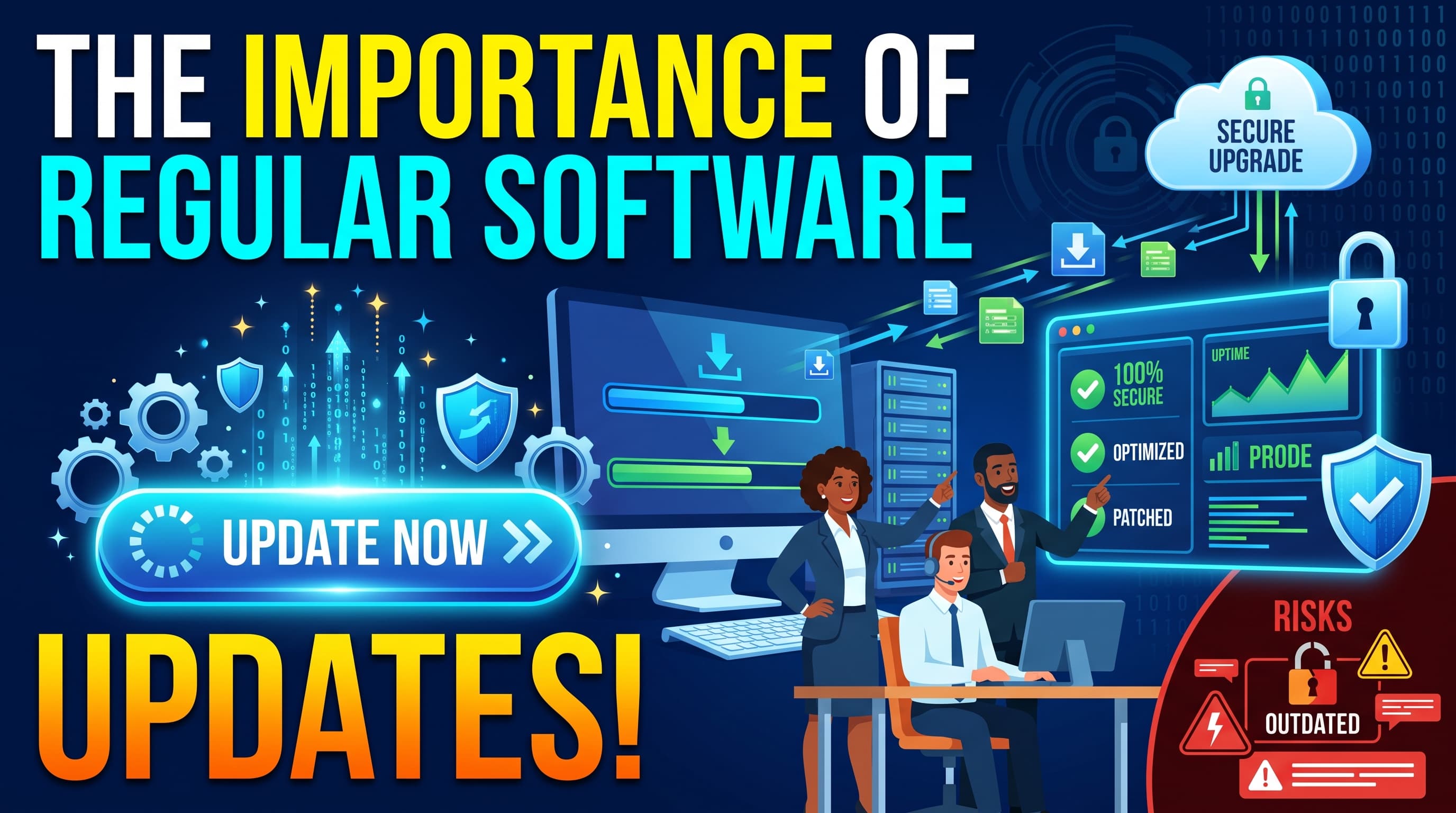
Regular software updates help businesses improve security, fix technical issues, enhance performance, and stay competitive. At RainCyber, we believe that maintaining up-to-date software is an essential step toward building a secure, reliable, and efficient digital business.
What Are Software Updates?
Software updates are improvements released by developers to enhance existing applications, operating systems, and digital platforms. These updates may include security patches, bug fixes, new features, performance improvements, and compatibility enhancements.
Whether you use accounting software, a website, an e-commerce platform, or a custom business application, regular updates help ensure that your technology continues to meet your business needs.
1. Strengthen Cybersecurity and Protect Business Data
Cybersecurity is one of the most important reasons to update your software regularly. Outdated applications may contain security vulnerabilities that cybercriminals can exploit to access confidential information, install malware, or disrupt business operations.
Developers release security patches to address known weaknesses and protect systems against emerging threats.
Why it matters:
Reduces exposure to known security vulnerabilities.
Helps protect customer and employee information.
Strengthens defenses against malware and other cyberattacks.
Supports a more secure digital environment.
However, updates should be part of a broader cybersecurity strategy that includes strong passwords, access controls, backups, and employee awareness.
2. Improve Software Performance and Reliability
Slow applications and frequent errors can reduce employee productivity and frustrate customers. Software updates often resolve bugs, improve resource management, and optimize application performance.
For businesses, these improvements can lead to smoother workflows, fewer interruptions, and a more reliable user experience.
For example, an updated inventory management system may handle transactions more reliably, while an improved website may offer a smoother browsing experience for customers.
3. Access New Features and Business Improvements
Technology continues to evolve, and software developers regularly introduce features designed to make everyday tasks easier.
Updates may provide improved reporting tools, better user interfaces, automation capabilities, enhanced integrations, or more efficient workflows.
By keeping software current, businesses can take advantage of useful improvements without necessarily replacing their entire technology infrastructure.
4. Maintain Compatibility With Modern Technology
Software must work effectively with operating systems, browsers, databases, devices, and third-party services. As these technologies evolve, older software versions may become incompatible or lose support.
Regular updates help maintain compatibility and reduce the risk of unexpected technical problems.
This is particularly important for businesses using cloud services, payment gateways, e-commerce platforms, mobile applications, and integrated business management systems.
5. Reduce Downtime and Unexpected Costs
Ignoring software updates can lead to technical failures, security incidents, compatibility problems, and costly emergency repairs.
Although updating software requires time and planning, proactive maintenance can help reduce the likelihood of larger disruptions.
Businesses can minimize risks by scheduling updates during quieter periods, testing critical changes before deployment, and maintaining reliable backups.
Prevention is often more manageable than recovering from an avoidable technical problem.
6. Support Business Growth and Scalability
As a business grows, its technology requirements change. More customers, employees, transactions, and data can place additional demands on existing systems.
Software updates can introduce improvements that help applications handle evolving requirements more effectively. They can also support integrations with newer tools and technologies.
Combined with regular performance reviews and a clear IT strategy, updated software helps businesses build a stronger foundation for future growth.
7. Build Customer Trust and Protect Your Reputation
Customers expect businesses to handle their information responsibly and provide reliable digital services.
A poorly maintained website or application can create a negative impression, while security incidents and extended downtime may damage customer confidence.
Maintaining software, addressing known vulnerabilities, and testing important changes demonstrate a commitment to reliability and responsible data protection.
Best Practices for Managing Software Updates
To get the most from software updates, businesses should follow a consistent maintenance process.
1. Enable automatic updates where appropriate.
Use automatic updates for supported applications when they are suitable for your environment. Critical business systems may require additional testing and approval.
2. Create a regular update schedule.
Review operating systems, applications, plugins, databases, and security tools regularly. Prioritize urgent security fixes based on risk.
3. Back up important data.
Create and verify backups before significant upgrades so you have a recovery option if something goes wrong.
4. Test updates before deployment.
For business-critical systems, test updates in a staging or non-production environment whenever practical.
5. Monitor system performance.
After installing updates, check for errors, compatibility issues, unusual activity, or changes to essential business functions.
6. Replace unsupported software.
If a product no longer receives security updates, evaluate supported alternatives or a suitable upgrade plan.
7. Maintain an update inventory.
Keep track of installed software, versions, support status, update schedules, and responsible team members.
Common Mistakes Businesses Should Avoid
Even businesses that recognize the importance of software maintenance can make avoidable mistakes.
Ignoring update notifications: Delaying important security fixes can leave known vulnerabilities unaddressed.
Updating without backups: A failed upgrade can create unnecessary recovery challenges.
Installing updates without testing: Changes may affect essential workflows or integrations.
Using unsupported applications: Software that no longer receives security patches can increase business risk.
Assuming updates guarantee security: Updates are essential, but they do not replace monitoring, access controls, backups, or other security measures.
A planned and risk-based update strategy helps businesses avoid these common problems.
How RainCyber Can Help Your Business
At RainCyber, we understand that technology should help businesses operate more efficiently, securely, and confidently. Our IT and software solutions are designed to support business growth while helping organizations manage their evolving technology needs.
Our services include:
Software Development: Custom software solutions tailored to your business processes.
IT Consultancy: Practical guidance to help you make informed technology decisions.
Cybersecurity: Security-focused solutions to help protect systems and sensitive information.
IT Support and Maintenance: Assistance with technical issues, software performance, and ongoing system reliability.
Web and E-commerce Development: Digital platforms designed to support your customers and business operations.
Whether you need help maintaining an existing system or developing a new digital solution, RainCyber can help you identify opportunities to improve your technology environment.
Conclusion
Regular software updates are not just a technical task—they are an important part of protecting business data, improving performance, reducing avoidable disruptions, and preparing for future growth.
By following a structured update schedule, maintaining reliable backups, testing important changes, and replacing unsupported applications, businesses can get more value from their technology while reducing operational risks.
Keep your software updated. Keep your business prepared. Keep moving forward.
Ready to improve your business technology?
Partner with RainCyber for reliable IT and software solutions that support your digital growth.